 ShieldBrain
How to Reduce Screen Time on Android: Target the Feeds First
Quick answer: Don't fight all screen time — fight the worst screen time. For most people the biggest, least intentional drain is short-form video (Reels, Shorts, TikTok), often 1–3 hours a day. Block those feeds with ShieldBrain, keep the useful apps working, and your total drops dramatically without feeling like punishment.
Not all screen time is equal
Screen time is a blunt metric. Two hours of video calls, maps and reading is fine; two hours of feed-scrolling you don't remember is the problem. The goal isn't a lower number for its own sake — it's removing the compulsive, regret-flavoured portion. That portion, for most Android users, is short-form video: Instagram Reels, YouTube Shorts, TikTok, Facebook Reels and Snapchat Spotlight.
This is why blanket approaches (screen-time pledges, phone-free weekends, grayscale everything) tend to fail: they tax the good uses alongside the bad and collapse under daily life.
Your options on Android, compared
| Method | What it does | Weakness | Best for |
|---|---|---|---|
| Digital Wellbeing dashboard | Shows per-app minutes | Awareness only; mixes DMs with scrolling | A rough overview |
| App timers | Blocks the whole app after a limit | Blocks the useful parts too — most people remove it | Apps you don't need at all |
| Bedtime / Focus modes | Grays out chosen apps on a schedule | Easy to end; whole-app again | Night-time guard rails |
| Deleting apps | Removes everything | You lose messages and tools; reinstall rate is high | Apps with zero utility to you |
| Feed-level blocking (ShieldBrain) | Blocks only Reels/Shorts/TikTok feeds; counts every scroll | Short-video feeds only — by design | Cutting the compulsive part while keeping the phone useful |
A 3-step plan that sticks
Step 1: Find your real drain
Android's Digital Wellbeing tells you minutes per app, but not what those minutes were. ShieldBrain's reels counter isolates the scroll: how many short videos, on which platforms, worth how many minutes. Run it for 3 days. Details: how many reels do you watch?
Step 2: Block the feeds
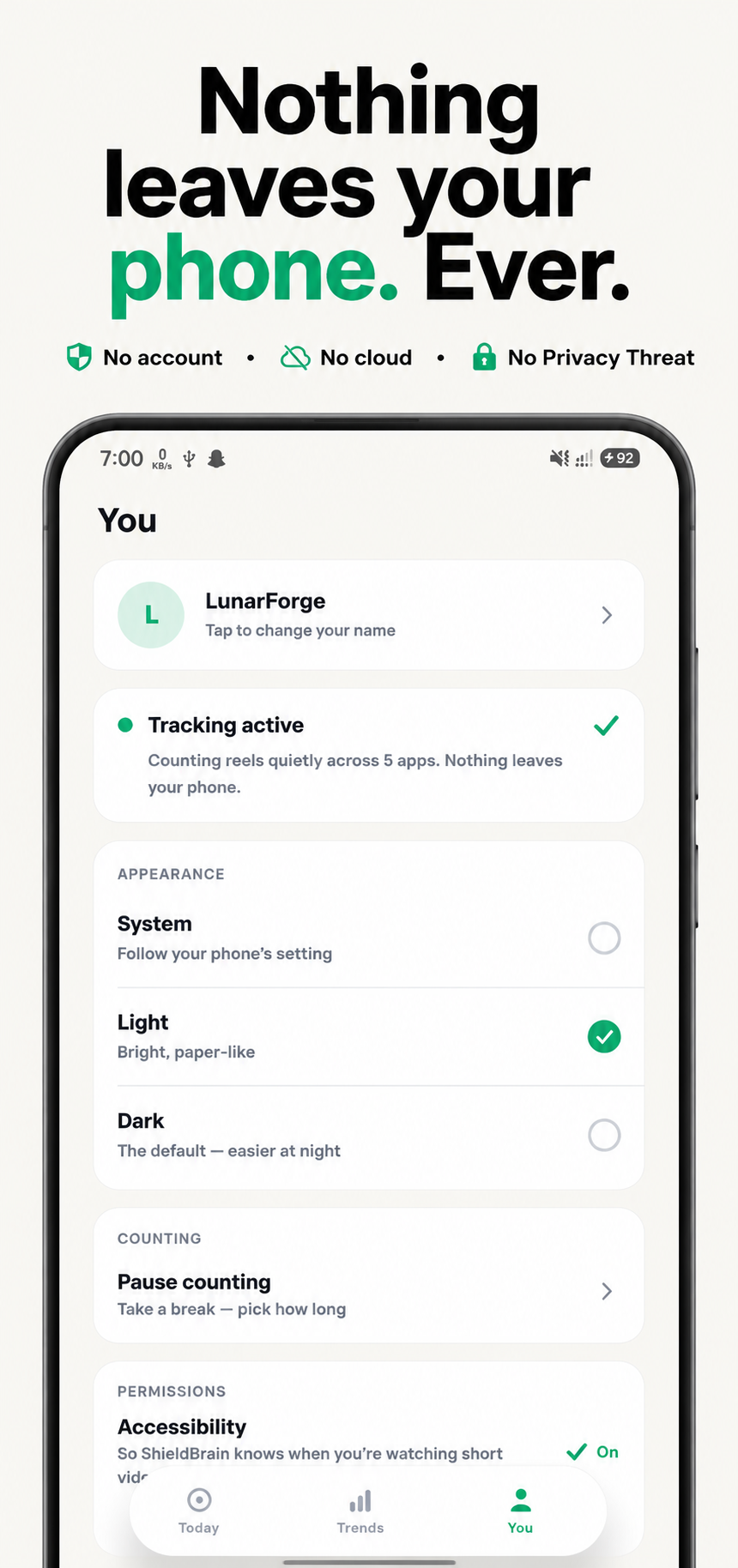
Toggle blocking per platform in ShieldBrain — Instagram Reels, YouTube Shorts, TikTok, Facebook Reels and Snapchat Spotlight. Your messaging, stories, subscriptions and search stay. This one change typically removes 1–3 hours of daily screen time on its own.
Step 3: Add light friction to the rest
- Move remaining social apps off the home screen or into a folder.
- Turn off non-human notifications (likes, suggestions, "trending").
- Charge the phone outside the bedroom; the pre-sleep scroll dies with the feed block anyway.
- Review your ShieldBrain Trends weekly — visible progress sustains habits. For the psychology, see how to stop doomscrolling.
For parents
ShieldBrain's per-platform toggles make it practical on a teenager's phone: short-video feeds off, chats and school tools untouched. Because the block removes the feed rather than the app, it causes far less conflict than confiscation-style controls — and the counter turns screen time into a conversation about facts rather than accusations.
Common mistakes
- Chasing a total-minutes number. Cut the regret-minutes; keep the useful ones.
- Whole-app timers on apps you need. They get removed within a week — and take your resolve with them.
- Changing everything at once. One structural change (feed blocking) beats five behavioural pledges.
FAQ
What uses the most screen time?
For most people: short-form video feeds, often 1–3 unplanned hours a day. They're the highest-value target for reduction.
Do Android app timers work?
Somewhat, but they block whole apps — messages included — so most users delete the timer. Feed-level blocking is more sustainable because you lose nothing you value.
How do I cut screen time without losing messaging?
Block only the feeds. ShieldBrain removes the Reels/Shorts/TikTok surfaces while DMs, chats and normal videos keep working.
Cut the hours that don't count
ShieldBrain removes the compulsive feeds and shows you the time coming back — free, private, Android.
Get ShieldBrain on Google PlayRelated guides: Stop doomscrolling · Dopamine detox guide · Block YouTube Shorts