 ShieldBrain
How to Block Facebook Reels & Snapchat Spotlight on Android
Quick answer: Neither Facebook nor Snapchat offers a setting to remove their short-video feeds. On Android, the free ShieldBrain app blocks the Facebook Reels feed and Snapchat Spotlight individually — while Messenger, groups, marketplace, snaps and stories keep working.
The overlooked scroll traps
TikTok and Instagram get the headlines, but Facebook Reels and Snapchat Spotlight run the exact same playbook: an infinite, algorithmically ranked vertical video feed inserted into an app you open for other reasons. You open Facebook for a group or marketplace listing, a reel catches your eye, and the feed does the rest. You open Snapchat to reply to a friend, and Spotlight is one accidental tap away.
Because these feeds live inside apps people genuinely need, deleting the app is rarely realistic — which is exactly why feed-level blocking matters.
What the apps themselves offer
- "Show less" on individual reels — temporary and per-video; the feed remains.
- Time management reminders in Settings — dismissible popups, not blocks.
Snapchat
- No option to hide or disable the Spotlight tab at all.
In both cases the platforms' revenue depends on video watch time, so a real off-switch does not exist.
How to block both with ShieldBrain
- Install ShieldBrain from Google Play — free, no account.
- Enable the Accessibility Service, the one-time Android permission ShieldBrain uses to recognise short-video feeds. It's used only for detecting and counting; nothing leaves your phone.
- Toggle "Block Facebook Reels" and "Block Snapchat Spotlight" ON. Each platform has its own switch, so you can block one, both, or all five supported platforms (Instagram Reels, YouTube Shorts and TikTok included).
What keeps working: Messenger chats, groups, marketplace, pages, the regular Facebook feed; and on Snapchat — snaps, chats, stories and the camera. What stops: the infinite short-video scroll.
Measure before you block
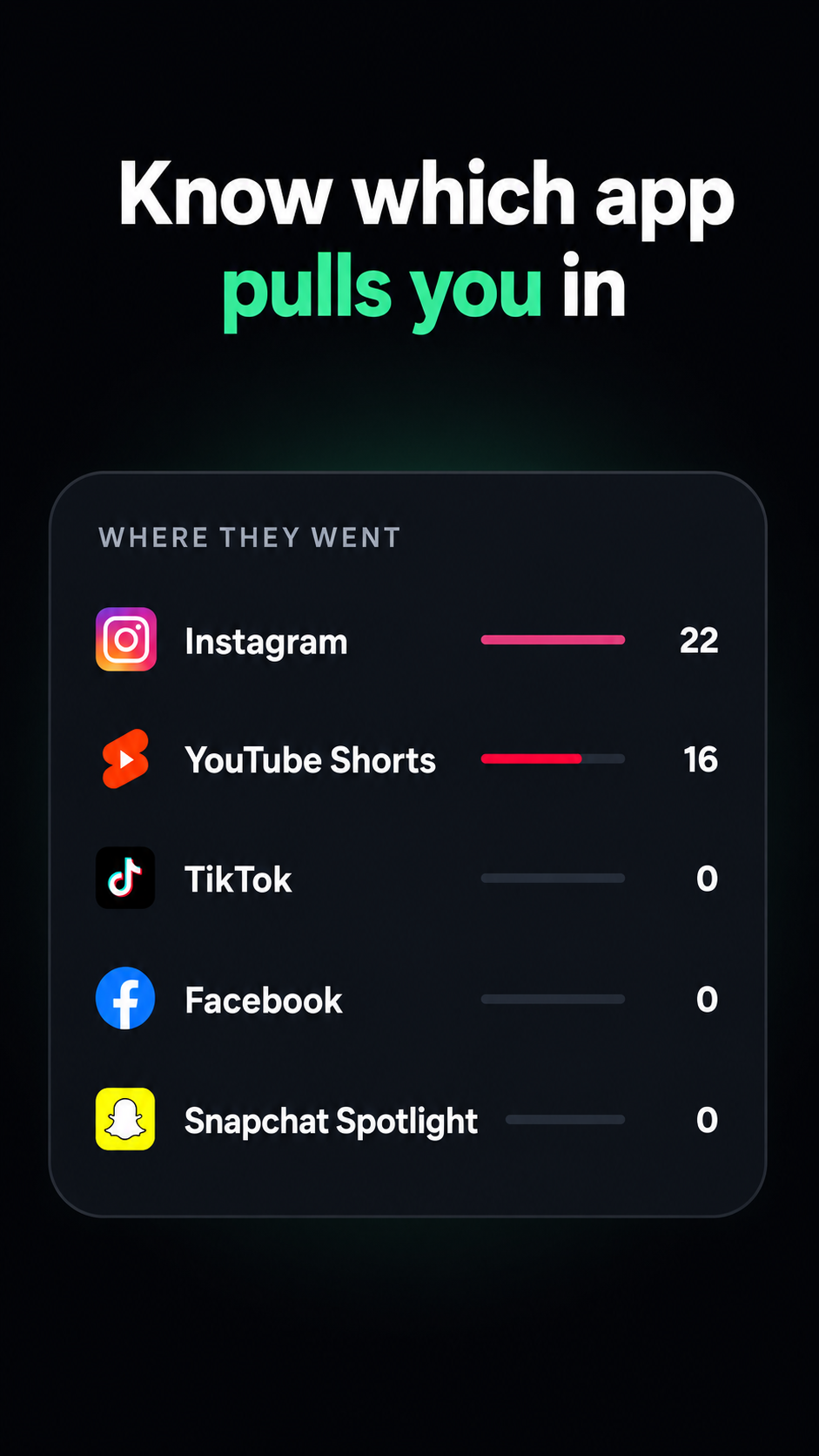
ShieldBrain's counter tracks Facebook Reels and Snapchat Spotlight separately in its "Where they went" breakdown. Run it for a few days: many people discover Facebook Reels quietly costs them more time than TikTok. Your own number is the best motivation — see how many reels do you actually watch?
Tips
- Block Reels and Spotlight together with the other platforms. Habits migrate to whichever feed is still open.
- Parents: ShieldBrain's per-platform toggles make it a simple way to cut short-video feeds on a child's Android phone while keeping chat apps usable.
- Keep the counter on after blocking — a flat-zero week on your doomscrolling chart feels genuinely good.
FAQ
Can I remove Reels from Facebook?
Not with Facebook's settings. ShieldBrain blocks the Reels feed on Android while everything else in Facebook keeps working.
How do I turn off Spotlight on Snapchat?
Snapchat offers no way to remove Spotlight. ShieldBrain blocks the Spotlight feed while snaps, chats and stories stay untouched.
Will blocking affect Messenger or groups?
No — only the short-video feed surface is blocked.
Two more feeds, gone
Block Facebook Reels and Snapchat Spotlight with one tap each — free, private, Android.
Get ShieldBrain on Google PlayRelated guides: Block Instagram Reels · Block YouTube Shorts · Block TikTok scrolling · Reduce screen time on Android