 ShieldBrain
How to Block TikTok Scrolling Without Deleting TikTok
Quick answer: TikTok's built-in screen-time tools are dismissible reminders, not blocks. To actually stop the endless For You scroll on Android — without uninstalling TikTok — use a feed-level blocker like ShieldBrain, which blocks the video feed the moment it opens.
Why TikTok is the hardest feed to quit
TikTok's entire app is the feed. Its For You page is widely considered the most effective recommendation algorithm in consumer software: every swipe is scored, every hesitation measured, and the next video adjusts in real time. Sessions have no natural end point — no "you're all caught up" screen — so stopping is always an act of willpower against a system engineered to defeat willpower.
The result: TikTok users average roughly an hour and a half in the app every day, and heavy users far more. If that's you, you are not weak — you're outgunned.
Option 1: TikTok's built-in screen-time tools
- Open TikTok → Profile → ☰ Menu → Settings and privacy → Screen time.
- Set a daily screen time limit and optional sleep reminders.
Limitations: when the limit hits, TikTok asks for a passcode or a tap to continue — and continuing takes one second. These tools help mindful users a little; they rarely stop a real habit.
Option 2: Uninstall TikTok
Effective but brittle. Most people reinstall within days or weeks, and the first session back is usually a binge. It also does nothing about the same habit on Instagram Reels and YouTube Shorts, where the algorithmic feed is just as strong.
Option 3: Block the scroll with ShieldBrain (recommended)
ShieldBrain is a free Android TikTok blocker that works at the feed level:
- Install ShieldBrain from Google Play — free, no account.
- Enable the Accessibility Service. This one-time permission lets ShieldBrain detect the TikTok video feed on screen. It is used only for detection and counting; nothing leaves your phone.
- Toggle "Block TikTok" ON. The endless scroll is blocked instantly. Toggle it off any time — your rules, your control.
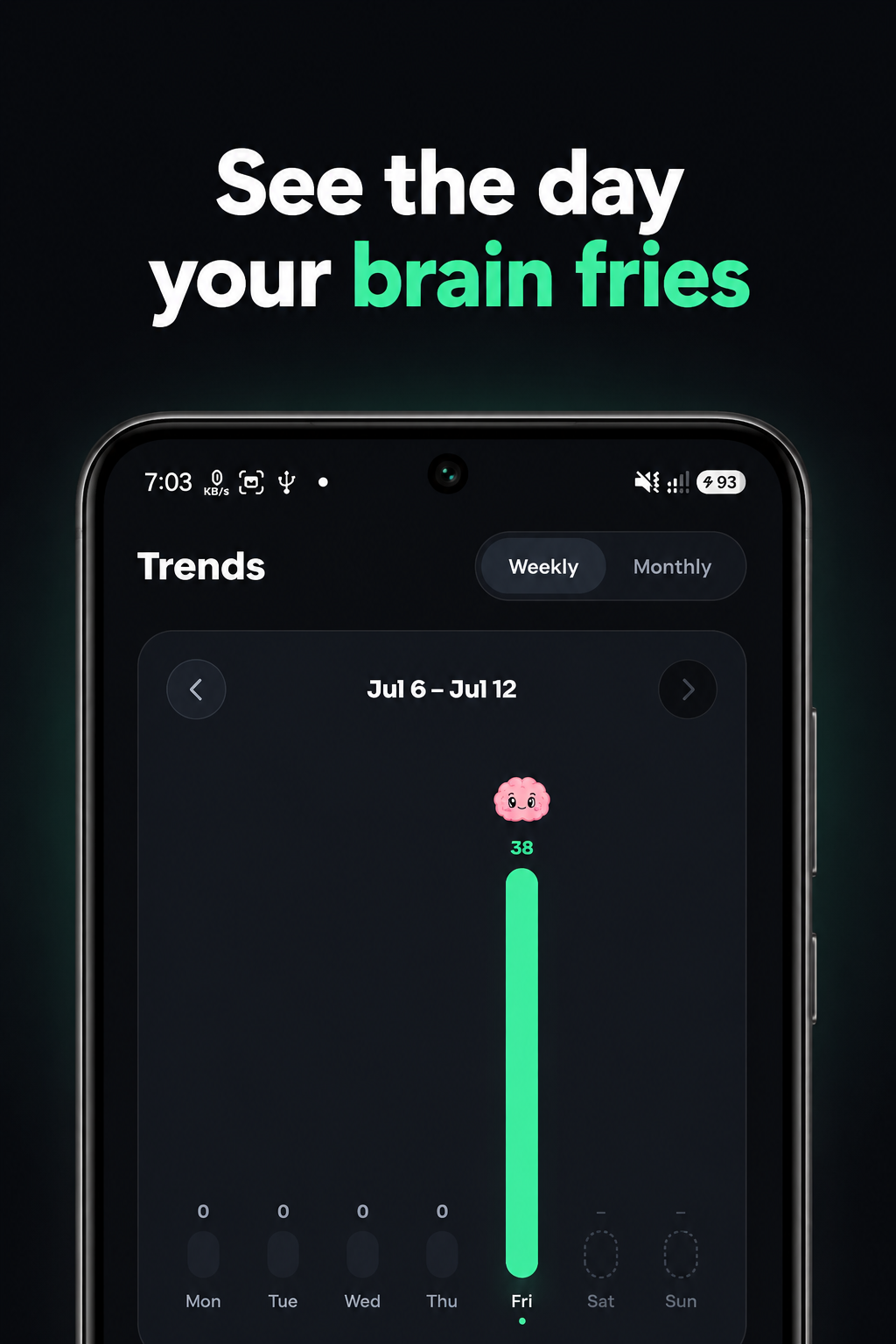
Start with counting if you're not ready to block: ShieldBrain shows exactly how many TikToks you swipe per day and how many minutes they cost. Watching your weekly Trends chart is often the push that makes blocking feel easy.
Tips for quitting the TikTok scroll
- Block all short-video feeds together. Blocking TikTok alone pushes the habit to Reels and Shorts. ShieldBrain covers all five platforms with per-app toggles.
- Expect 3–4 days of phantom reaching. You'll unlock your phone and open where TikTok used to be. That fades fast once the feed stops rewarding it.
- Fill the gap deliberately — podcasts, music, a book app, or simply boredom. Boredom is where focus regrows. See the dopamine detox guide.
- Check your Brain Report Card weekly and share the grade — accountability doubles success rates.
Common mistakes
- Setting a 60-minute "limit" as the goal. Limits negotiate; blocks decide. If TikTok costs you sleep or study, block the feed.
- Quitting TikTok but keeping Reels. Same drug, different dealer.
- Not tracking progress. The falling counter is the reward that keeps you going.
FAQ
How do I stop scrolling on TikTok without deleting it?
Use ShieldBrain's feed-level block: the app stays installed, but the endless scroll is blocked the moment it opens.
Does TikTok have a built-in scroll limit?
TikTok has dismissible screen-time reminders under Settings → Screen time, but no true block. Continuing past the limit takes one tap.
Is ShieldBrain's TikTok blocker free?
Yes — free, on-device, no account, and it counts every video you swipe so you can see your progress.
Break the For You loop
ShieldBrain counts every TikTok you swipe and blocks the scroll with one tap — free, private, Android.
Get ShieldBrain on Google PlayRelated guides: Stop doomscrolling · Block Instagram Reels · Block YouTube Shorts · How many reels do you watch?